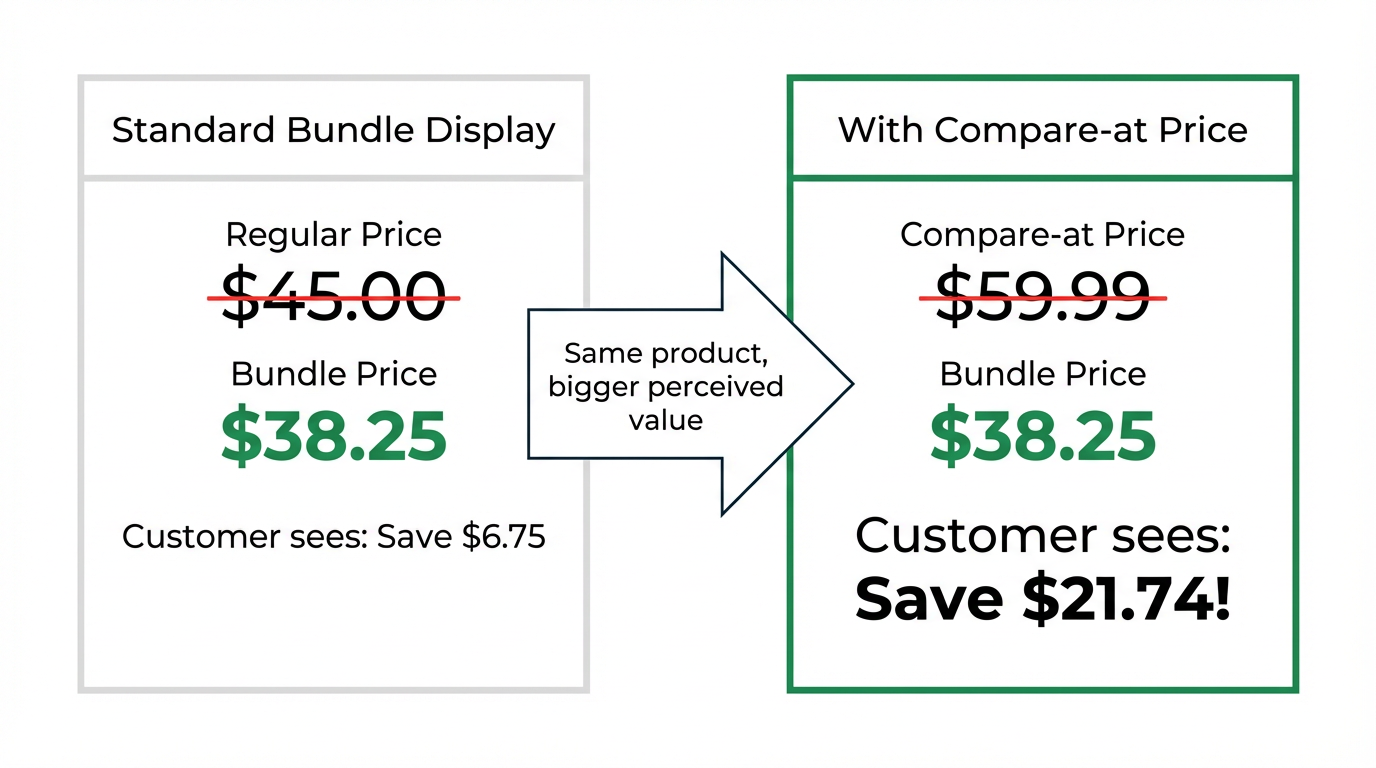
The "compare-at price" is a powerful tool that shows customers the savings they're getting. If you've set up a bundle deal but the original price isn't showing up with a strikethrough, it might be due to a specific setting in your Shopify market preferences, particularly for stores selling in Europe.
Shopify provides an option to hide compare-at prices for customers in the European Economic Area (EEA) to comply with local regulations. If this setting is enabled, the compare-at price will be hidden for all products, including those in your Turbo Bundles deals.
Here is how to check and disable this setting:
- From your Shopify admin, navigate to Settings → Markets.
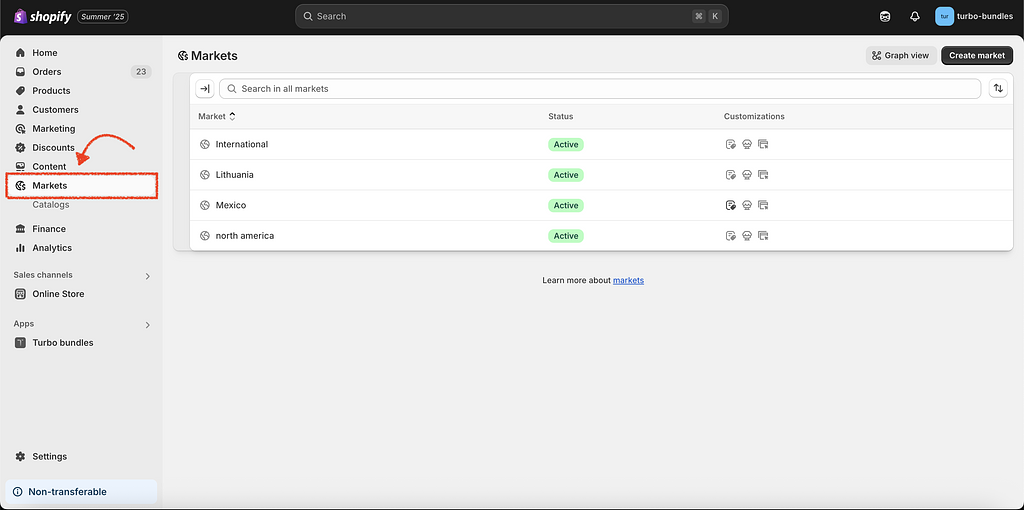
Markets - Click on Market
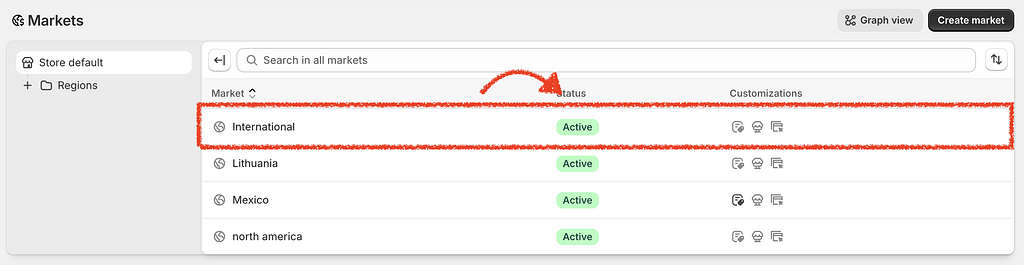
Click on a market - Click on Compare-at price under more settings.
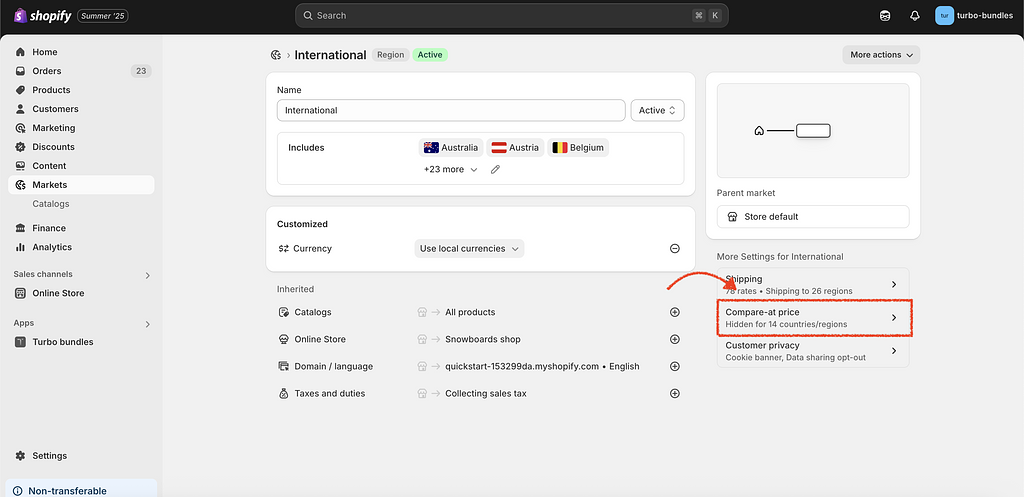
Compare-at price settings - Look for the section related to EU/EEA pricing. You will see a checkbox labeled Hide compare-at prices for European Economic Area (EEA) customers.
- Make sure this checkbox is unchecked.
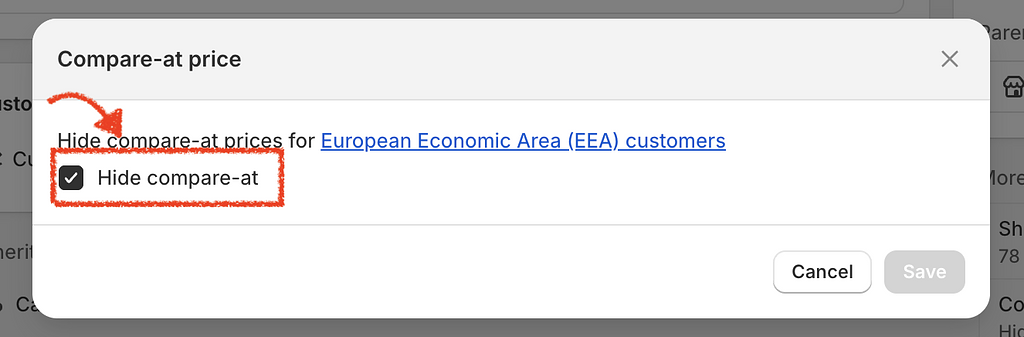
Hide compare-at checkbox - Save your changes.
After disabling this option, the compare-at price should appear correctly on your product pages and in the Turbo Bundles widget.